
Ban Characters
Ban Characters
Use this page to set the banned characters displayed on the BP overlay.
This page covers both Survivor and Hunter bans.
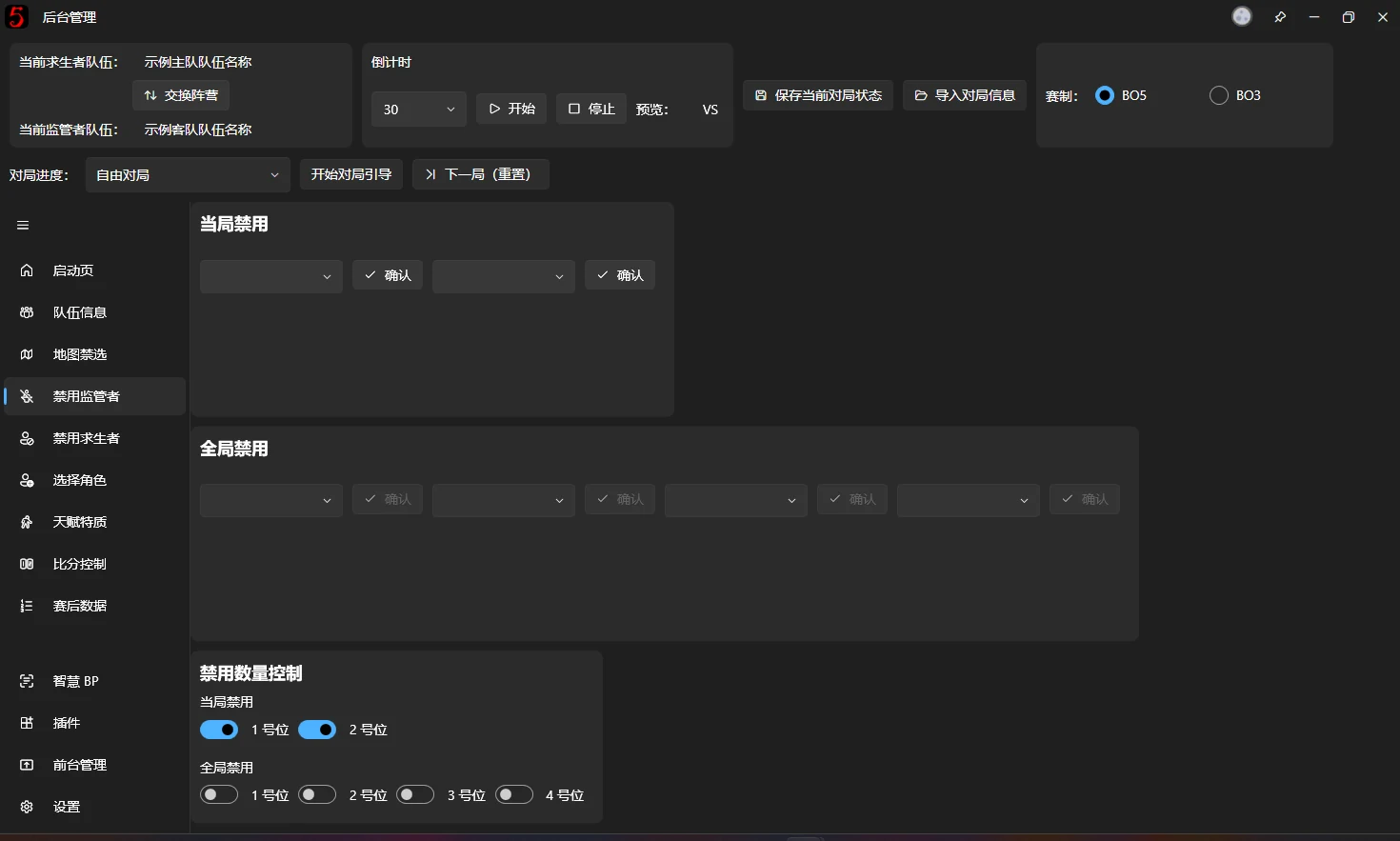
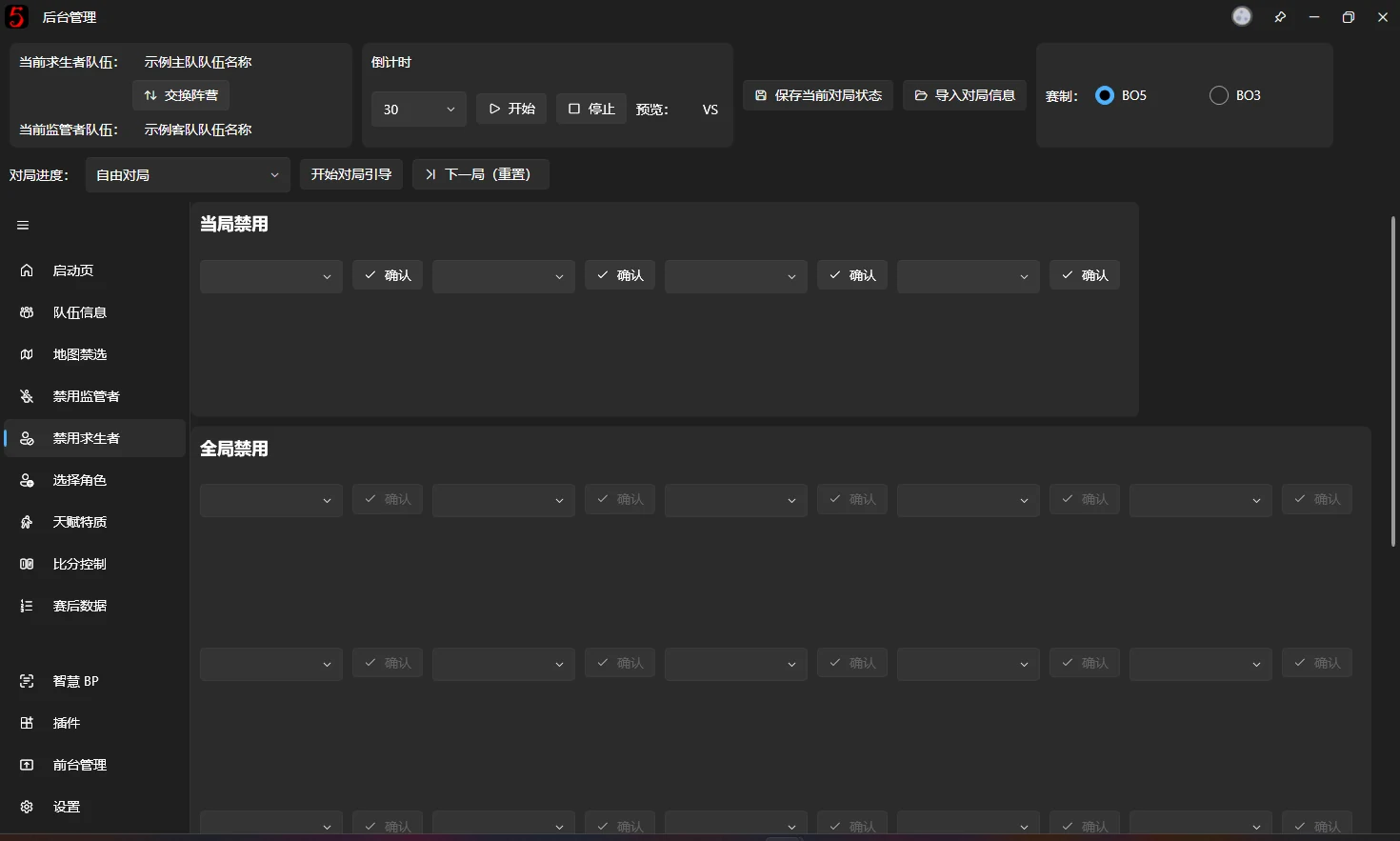
The software provides 2 current-game Hunter Ban slots and 4 Global Ban slots, plus 4 current-game Survivor Ban slots and 16 Global Ban slots.
Character selector
A character selector consists of:
- An editable drop-down (also called a combo box).
- A confirmation button.
- A portrait preview.
Use the drop-down to search for and select characters. Searches support full Chinese character names, full pinyin, and pinyin initials. Enter a search term and press Space to search. If no match is found, the following message appears:
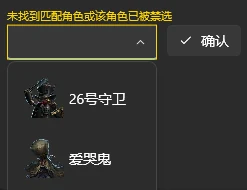
After finding the character, press Tab or Enter to confirm. Tab is recommended because Enter requires two presses. Selection succeeds when the corresponding portrait appears in the preview. The overlay Ban slot always matches the preview portrait. The drop-down selection is not synchronized to the overlay until confirmed. Check the portrait to see which character is currently displayed.
For example, to search for Wu Chang (宿伞之魂), these search terms work:
- 宿伞之魂
- 宿伞
- sszh
- ss
A simplified version of this control contains only the drop-down. It is used for Global Ban Records on the Pick Characters page.
Guard 26 can be found with
bb. The Chinese nickname “邦邦” is not supported; the shorterbbshortcut is available instead.
Current-game / Global Bans
Use the Current-game Ban area to ban Hunters for the current game. Confirmed selections are synchronized to the broadcast overlay.
Ban slot count
You can customize the number of Ban slots. Disabled slots show a padlock on the overlay. Their locked appearance can also be customized in the v3 editor, as explained in its guide.