Map Ban/Pick
Map Ban/Pick
Basic Ban/Pick
Use this page to set the picked and banned maps shown in the Map BP overlay window.
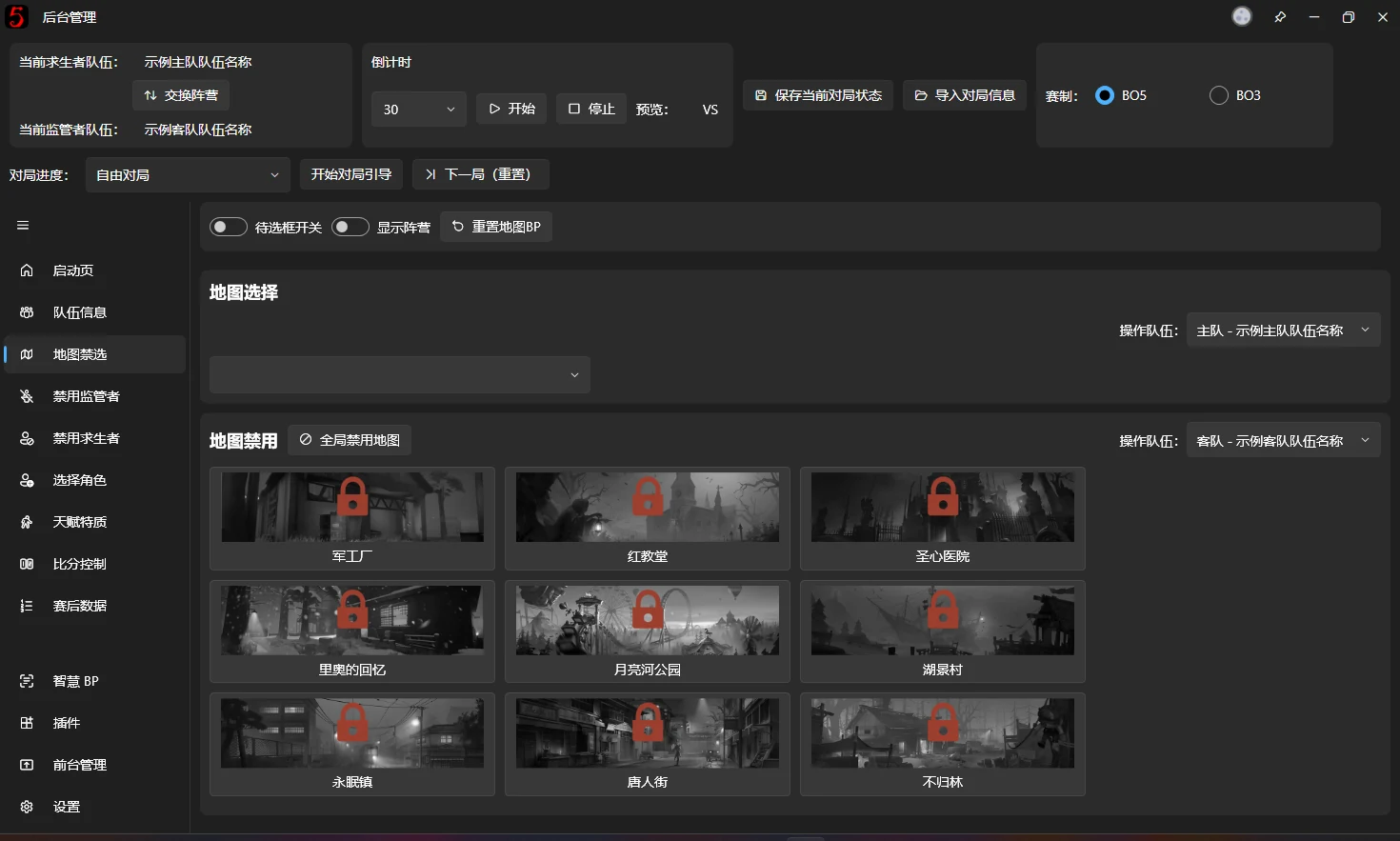
The software supports picking and banning all ranked maps. Click a map to pick or ban it. (Multiple bans will be supported in the future. Multiple bans have been supported since v1.1.0.9483.)
For opening and managing the Map BP overlay window, see Overlay Window Management.
The old v1 single-map Ban/Pick interface has been removed completely.
Map BP v2 supports the following features.
Pulsing highlight for available map slots
Adds a pulsing highlight to maps that have not been banned. You can customize this effect in the v3 editor.

Faction Selection Result Display
Shows the name and faction of the team that banned or picked each map.

Additional feature
If a team has a logo, it is used to identify the banning or picking team, as shown in Faction Selection Result Display. Otherwise, the team name is displayed.
Global Map Ban
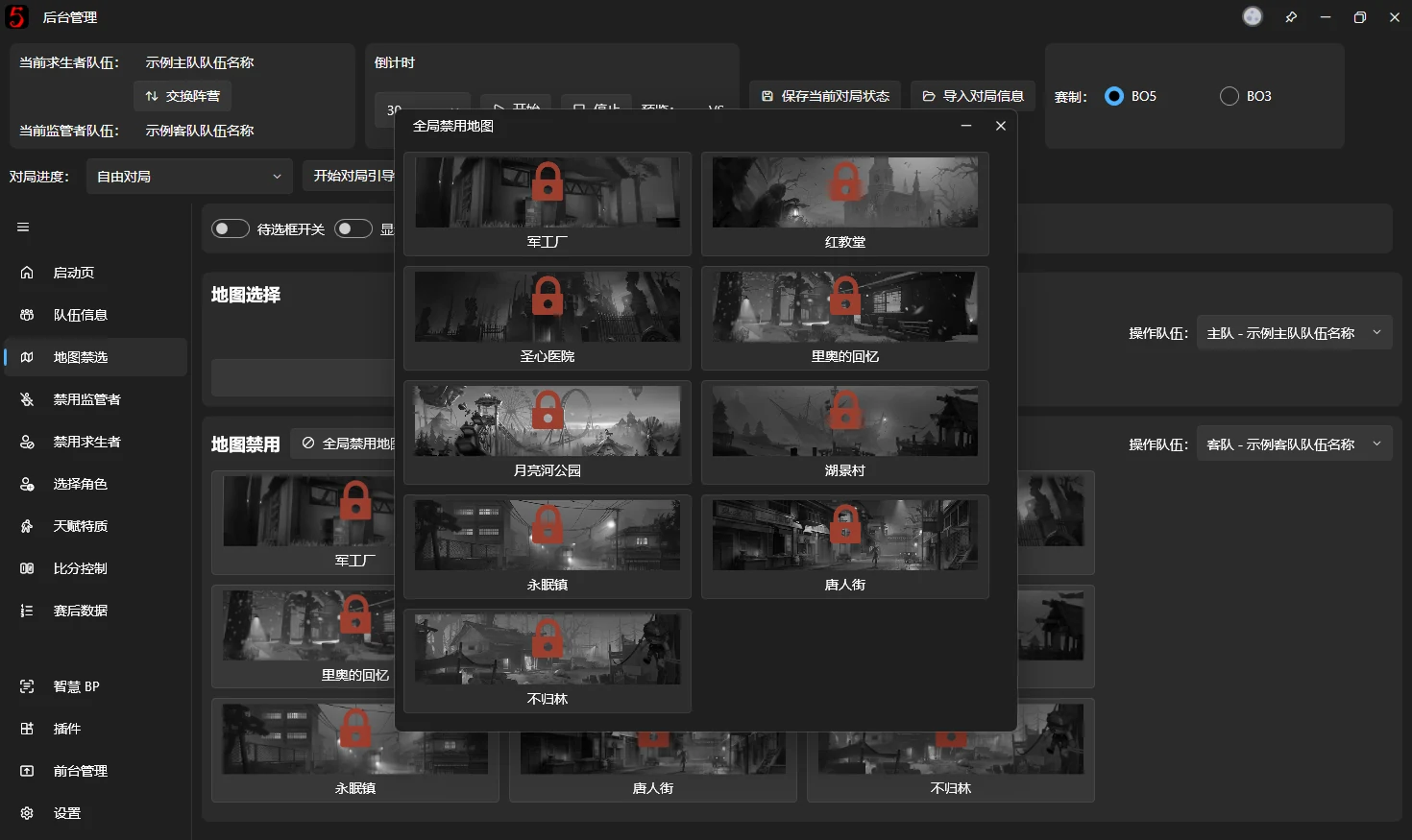
Click Global Map Ban to open a window, then click the maps to ban globally. These are usually maps already picked, or maps added to the software before they enter league play.