Score System
Score System
Use this page to set both teams' scores, which are displayed across all overlay windows.
The Score System has Free Game Mode and Standard Game Mode. It starts in Free Game Mode; select a game progress at the top to enable Standard Game Mode.
Standard Game Mode
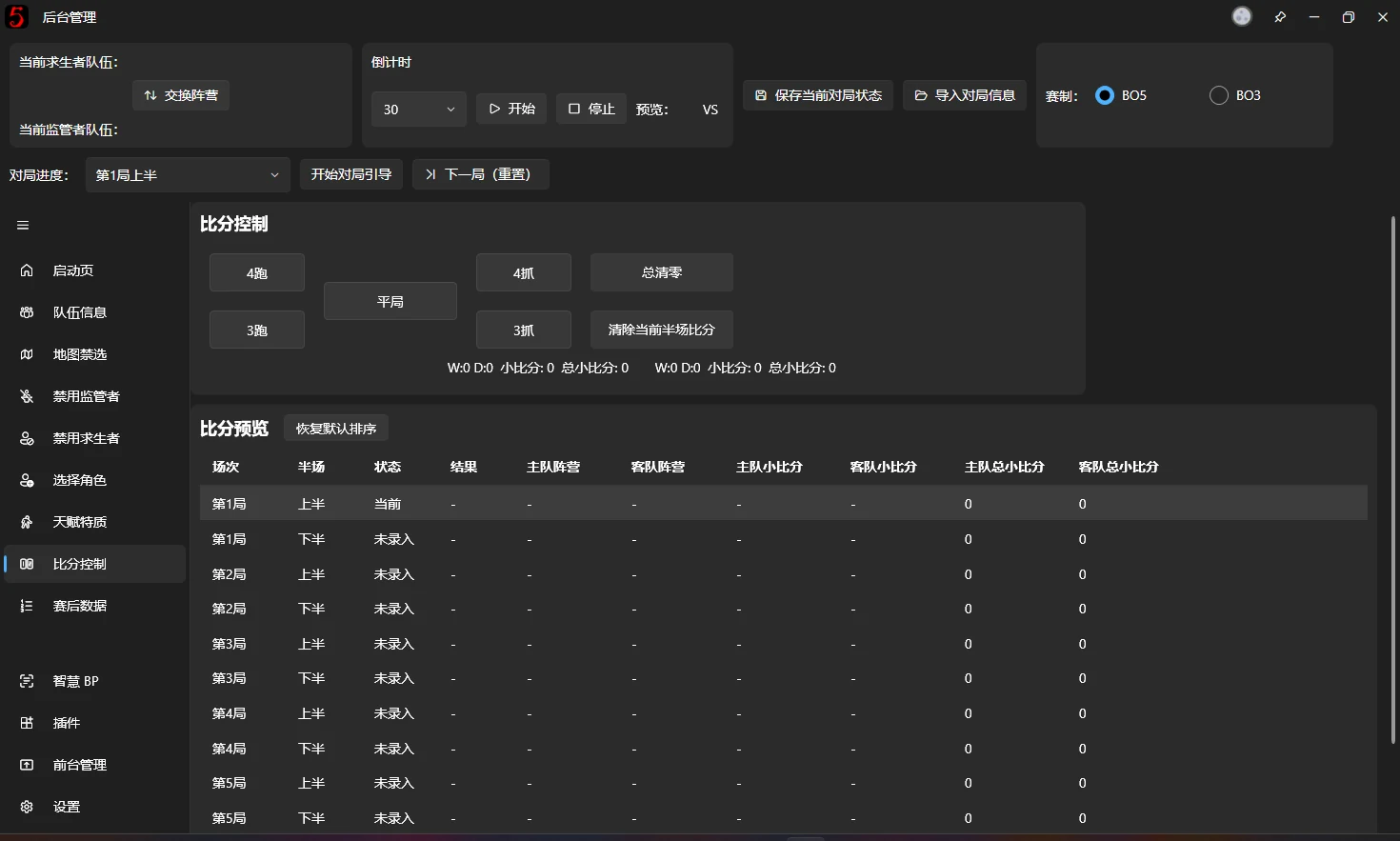
After play ends, click the corresponding game result.
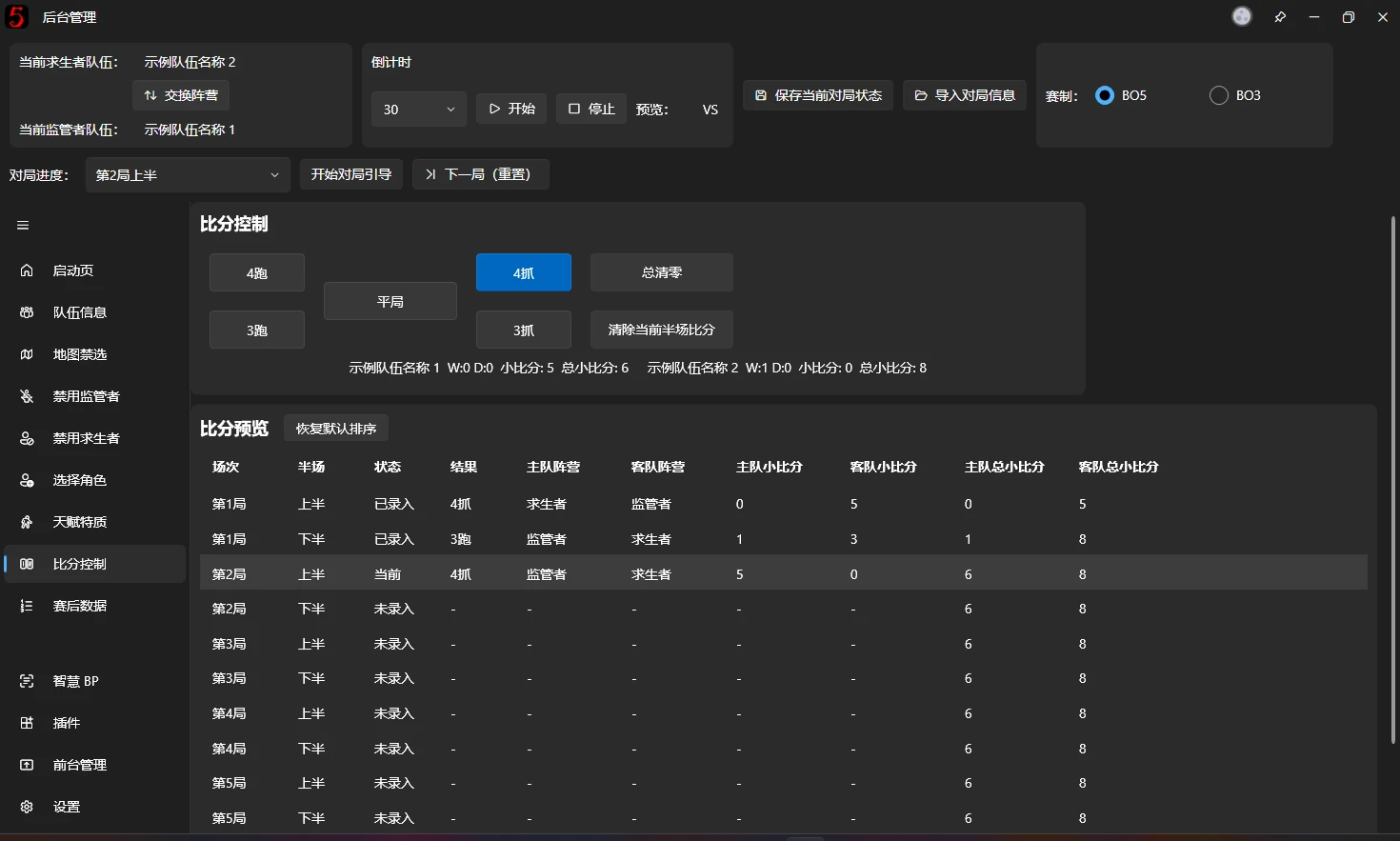
The current game state is recorded in the table as soon as you click the button.
Scores shown on the overlays are calculated automatically for the selected game progress.
There are three minor-score fields, used in different overlays:
- Current game cumulative minor score: MinorHalfScore
- Main BP overlay.
- In-game score.
- Current half minor score: CurrentMinorScore
- Post-game Statistics.
- BP overview.
- Total minor score: TotalMinorScore
- Total minor score in the in-game score overlay.
- Overall score.
These exact property names are essential for field bindings in the v3 designer. Understanding the three scopes helps you create your own BPUI correctly.
Free Game Mode
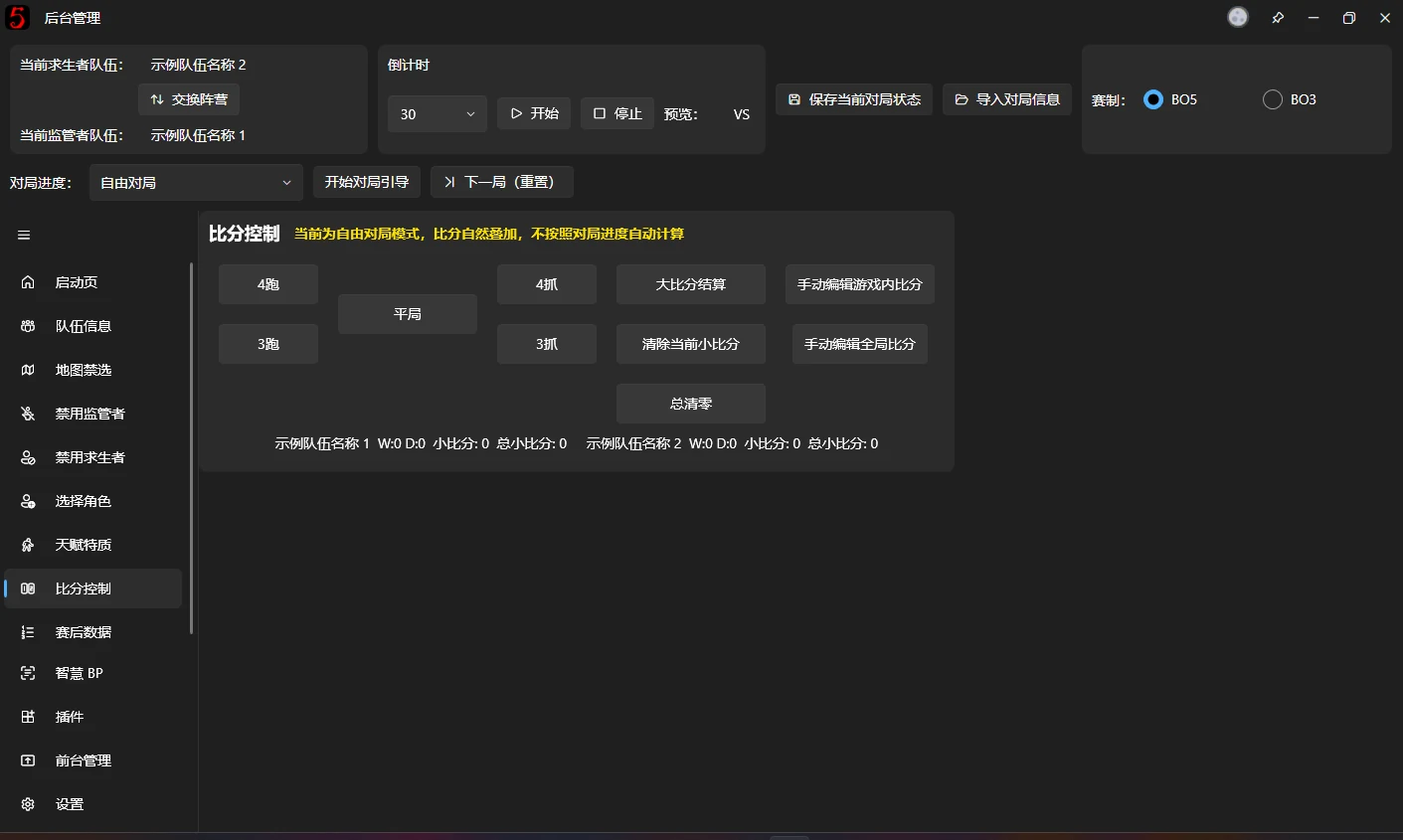
This mode works like v2 and earlier: scores accumulate and are managed manually. It does not distinguish the three minor-score types above. This approach is no longer recommended.
Clicking a game result awards points as follows:
| Game result | Survivor team points | Hunter team points |
|---|---|---|
| Four eliminations | 0 | 5 |
| Three eliminations | 1 | 3 |
| Draw | 2 | 2 |
| Three escapes | 3 | 1 |
| Four escapes | 5 | 0 |
At the end of a game, click Finalize major score manually. The software compares the teams' minor scores and adds the corresponding major scores automatically.
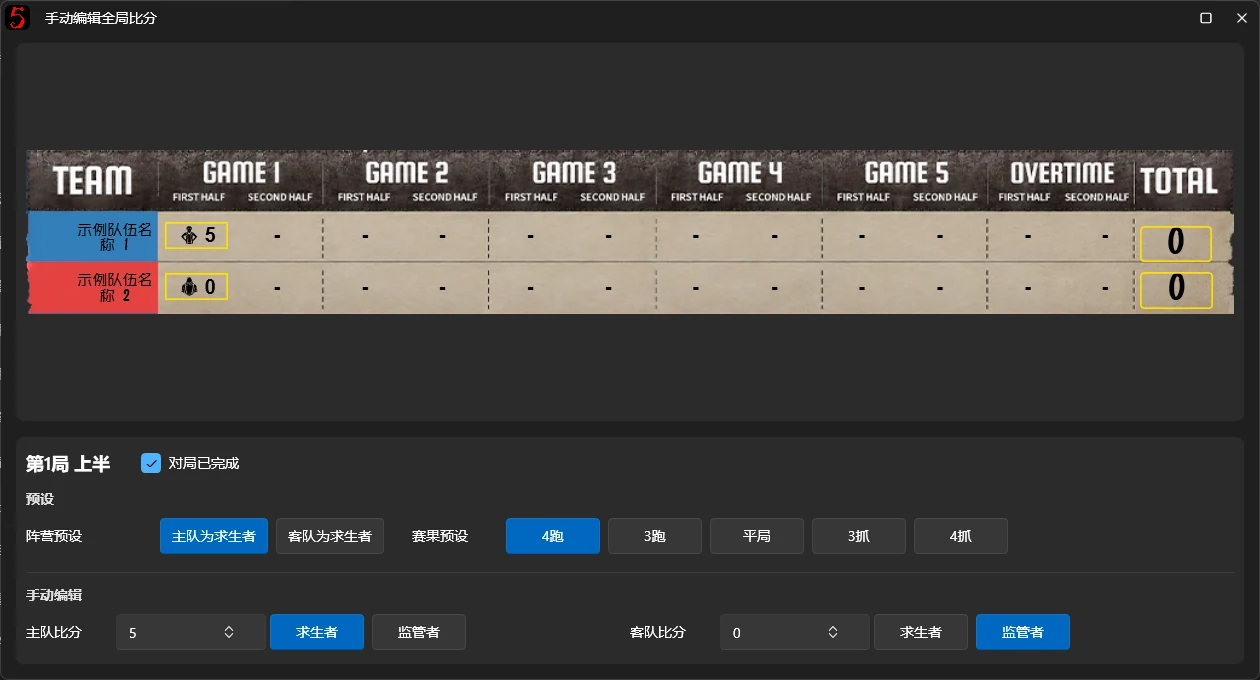
Edit in-game scores manually
In the pop-up, click the score you want to edit, then change its details in the controls below.
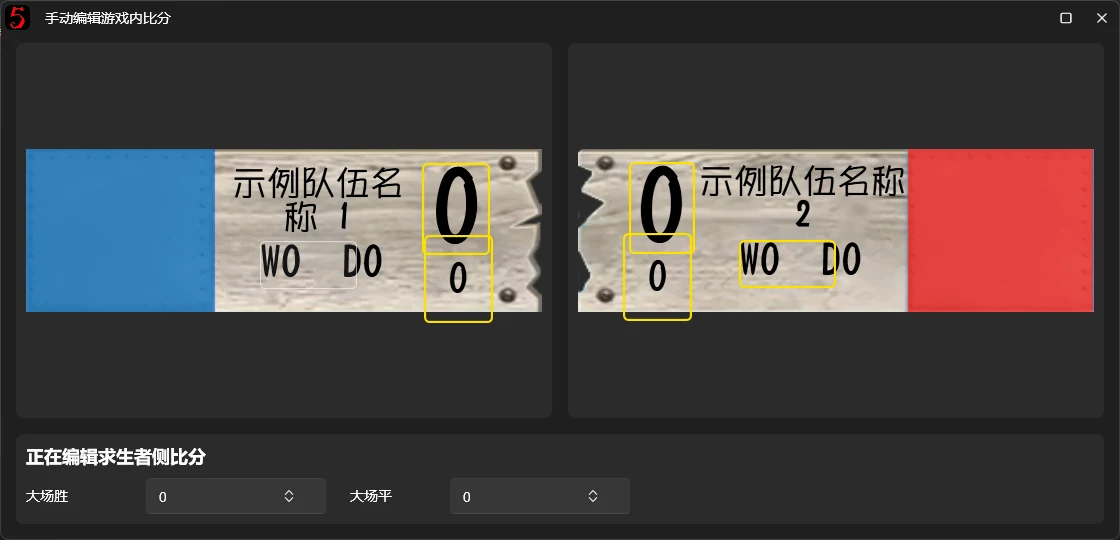
Changes here are synchronized to all score displays.
Edit overall scores manually
Click the corresponding score position to edit it in the controls below. Selecting a preset and then the result is recommended. The lower manual editor provides fully manual control and is usually unnecessary.